Turizi LogoTurizi
AboutDocs
Sign In
Turizi LogoTurizi

The all-in-one software for DMCs, Tour Operators, and Travel Agencies. Design visual proposals, automate quotes, and centralize your entire operations in one place.

Business Contactcontacto@turizi.com
Schedule a CallBook on Calendly

Want to see Turizi in action?

Join our interest list or book a personalized demo to discover the full platform in action.

Book a Demo
© 2026 Turizi Inc. All rights reserved.
•About Us•Privacy Policy•Terms of Service
Back to Help Center
Account & Settings

Add team staff members and configure user roles

Invite your staff and define operational role permissions.

1

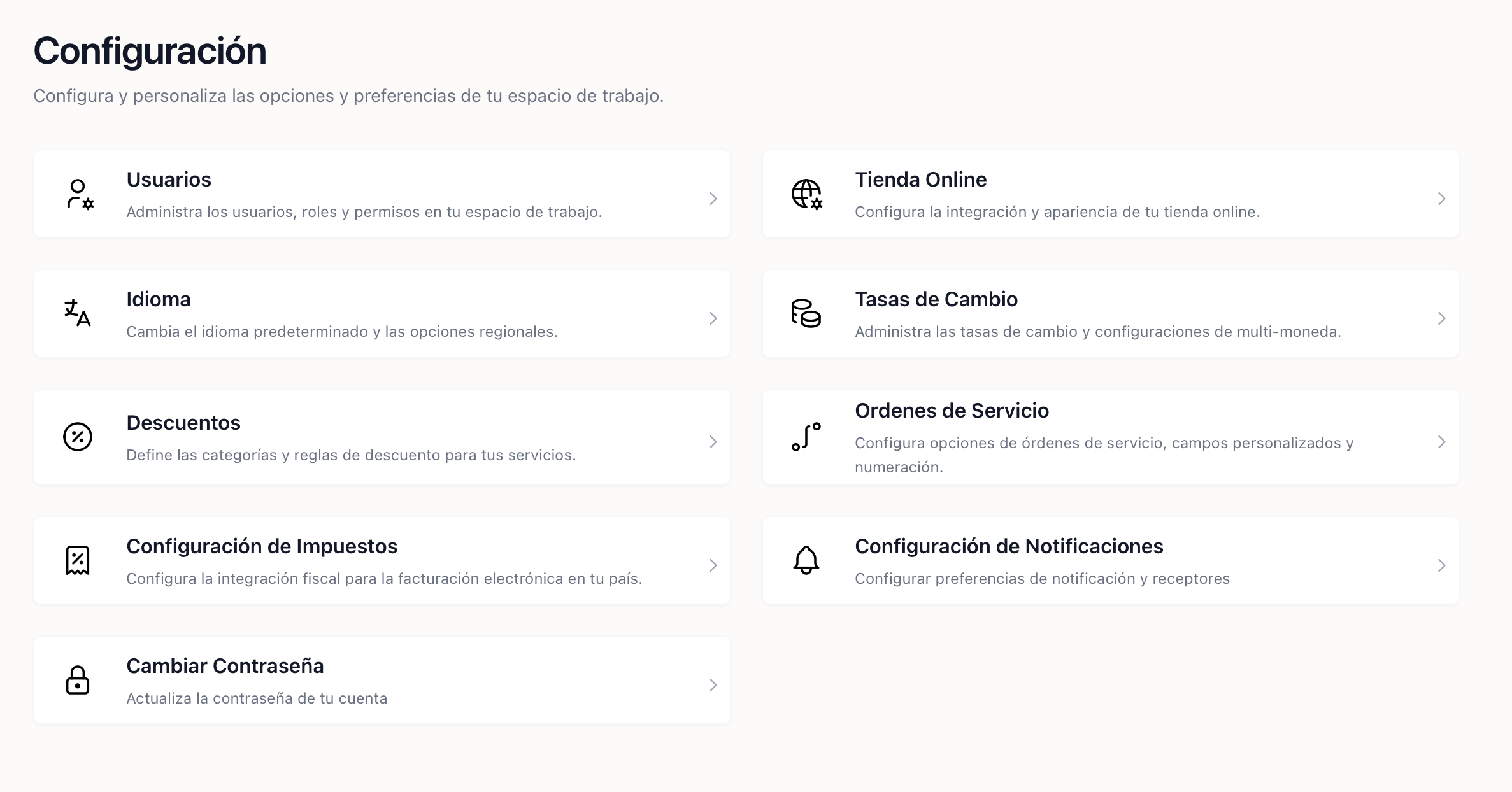
Go to Settings > Users and click Add User to invite teammates and choose their roles and permissions.
1. Teammates settings and role configuration panel

1. Teammates settings and role configuration panel